
What it is
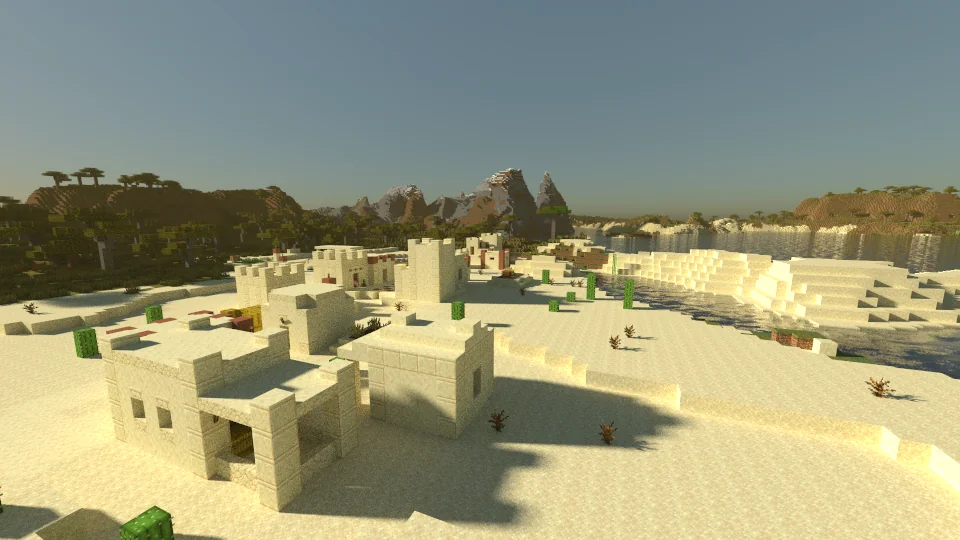
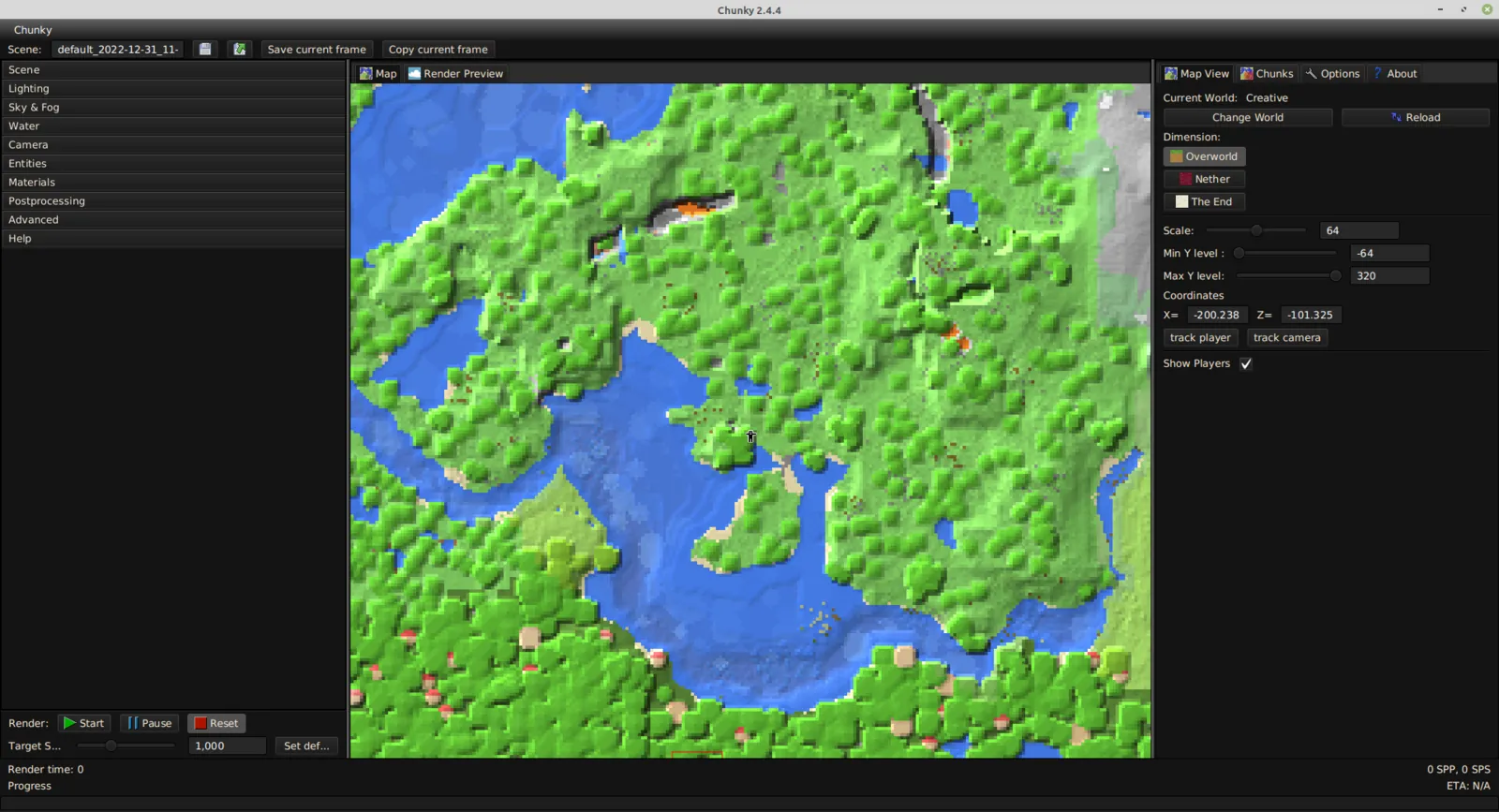
Chunky renders photorealistic images of a Minecraft world with path tracing. You open a world save, place a camera, set the sun, sky and water, load a resource pack, and Chunky adds samples until the picture is clean. Rendering takes time, and it depends on your CPU, the image size and the lighting.
It runs on your computer from a launcher, with a window or in headless mode on a machine without a screen. Plugins can add blocks, post-processors, a denoiser or even a different rendering engine.
This is the renderer from chunky-dev. A different, unrelated Chunky is a plugin and mod that pre-generates the chunks of a server world. They only share a name, so check which one a guide means before you install.
What makers use it for
- Render a finished build with realistic light and shadows for a showcase, a store page or a trailer.
- Tune the sun, sky, fog, water and material properties of a scene.
- Render on a machine without a screen, with the headless mode.
- Remove noise with a denoiser plugin instead of rendering longer.
When to pick it
- You want an image of a finished build that looks better than an in-game screenshot, and you can wait for it to render.
- You have the CPU time and are fine installing Java.
When another tool fits better
- You want a quick look while you build: an in-game screenshot is faster.
- Your world is from a newer game version than the stable release reads: stable 2.4.6 supports 1.2.1 to 1.20.4, and newer worlds need the 2.5.0 snapshot.
- You need boats, minecarts, falling sand or particles in the picture: the compatibility table lists them as not supported yet.
- You play Bedrock Edition: Chunky does not read Bedrock worlds.
- You want to turn a model into blocks: VoxelVision.