
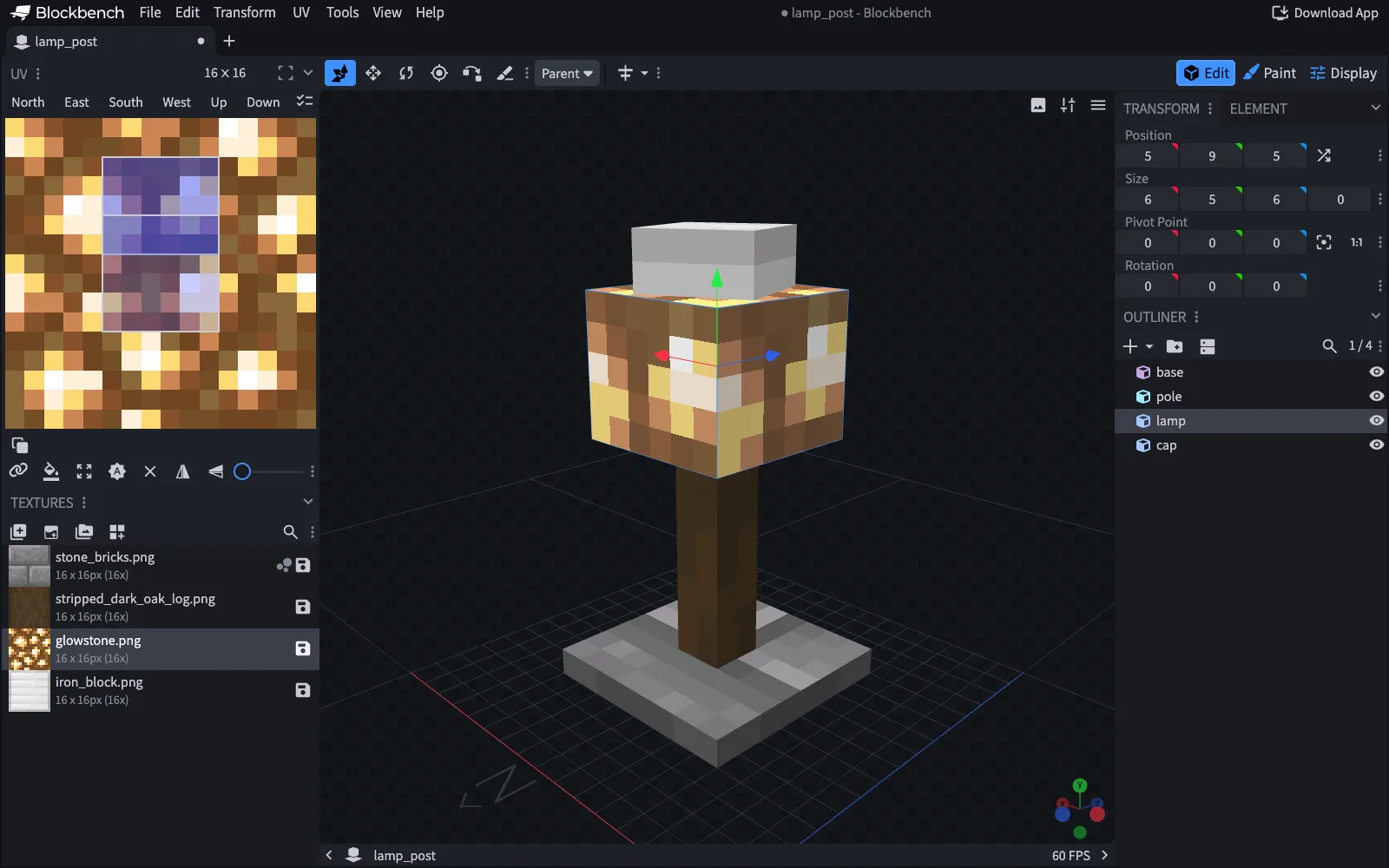
What it is
Blockbench is a low-poly 3D model editor built around Minecraft's cuboids and pixel art textures. You model, paint the texture straight onto the model or in a 2D editor, and animate, all in one program.
It has dedicated formats for Java Edition block and item models, Bedrock models, modded entities, OptiFine entities and GeckoLib, so the interface shows what the target format supports. A built-in plugin store adds more tools and export formats.
lamp-pack/pack.mcmetaRequired: the pack formats it supportspack.pngThe icon in the pack listassets/lamp/Your namespaceitems/lamp_post.jsonThe item model definitionmodels/block/lamp_post.jsonThe model Blockbench exportstextures/block/lamp_glass.pngYour own texturelamp_glass.png.mcmetaIts animation settings
What makers use it for
- Make custom block and item models for a Java Edition resource pack, as the model JSON files the game reads.
- Make Bedrock entity models and animations for an add-on.
- Model entities for a mod, using the Modded Entity or GeckoLib format.
- Paint pixel art textures on the model, starting from an automatic UV map and template.
- Rig a model and animate it with position, rotation and scale keyframes in the formats that support animation.
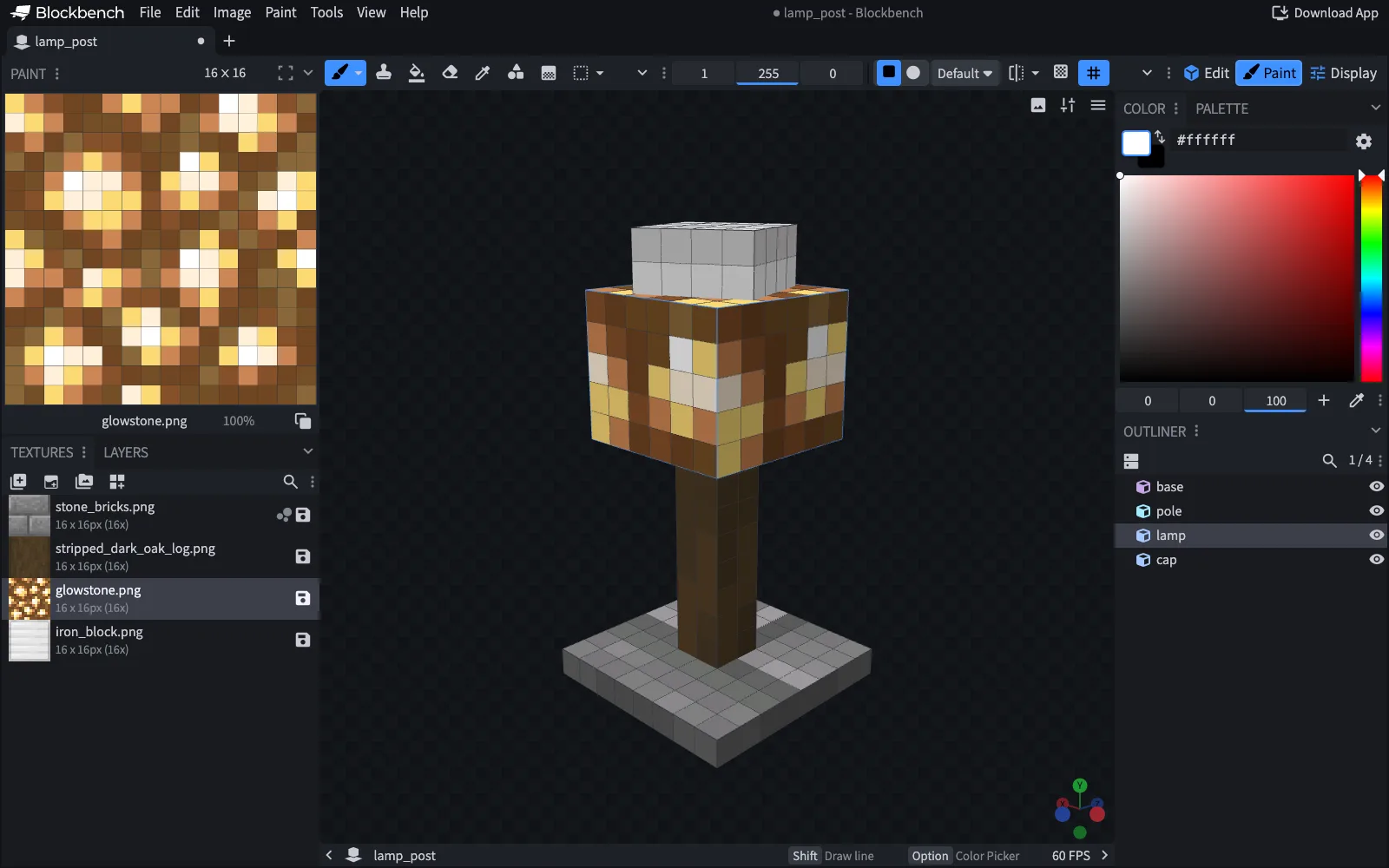
When to pick it
- You are making a custom block, item or entity model for a resource pack, an add-on or a mod.
- You want modeling, texturing and animation in one free program.
- You want to try it without installing anything: it also runs in the browser.
When another tool fits better
- You want to build with the blocks that already exist in a world: WorldEdit or Axiom fit better.
- You want to turn a detailed model or a scan into a block build: VoxelVision does that inside Blender. Blockbench is for low-poly models.
- You want realistic pictures of a finished world: Chunky renders worlds, Blockbench renders single models.